
Create Room Mockups That Win Faster Approvals
Ever present a design you absolutely love, only to hear your client say, “I just can’t picture it”?
When clients can’t visualize the finished space, even great designs can get stuck in endless revisions and delayed approvals.
In this live workshop, we’ll show you how to turn concept boards into photorealistic room visuals that get clients see the finished space—without spending hours learning complicated 3D software.
Next on Wednesday
1 PM ET · 10 AM PT
Register Now
- EXCLUSIVE BONUS FOR LIVE ATTENDEES
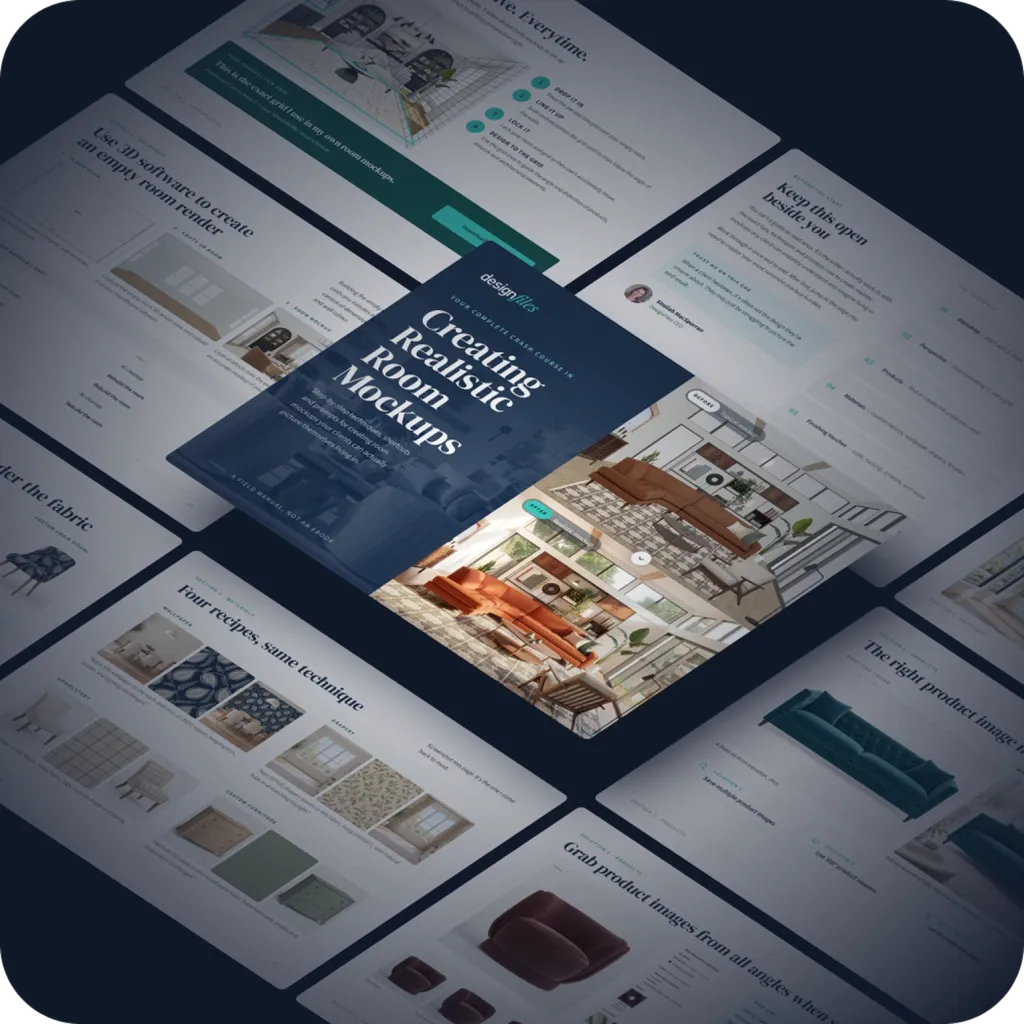
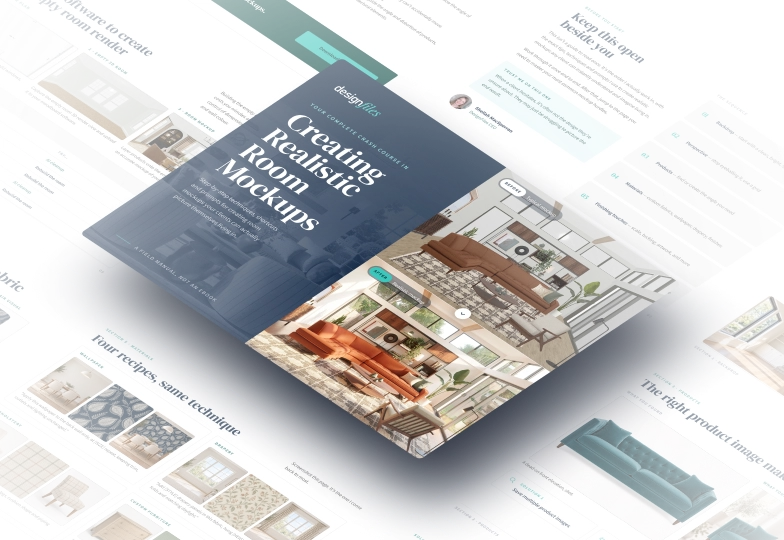
Your Complete Crash Course in Creating Realistic Room Mockups
Inside you’ll find:
- Step-by-step mockup techniques
- Time-saving tips and shortcuts
- Downloadable perspective grid
- Easy-to-follow video tutorials
- Ready-to-use AI prompts
Freebie (for attendees)
- 250 photorealistic render credits
- Free AI prompt guide
- 18 client presentation templates
In this workshop, you'll learn:
How to recreate your client’s actual space for more accurate mockups
How to get perspective, angles and proportions just right
How to realistically add paint, trim and architectural details
Time-saving tricks for creating polished mockups faster
How to write AI prompts that turn mockups into photorealistic visuals

Dana Radin
Join Dana for a practical, hands-on session on creating realistic room mockups that help clients visualize the finished space and approve designs with confidence.
She’ll cover perspective, architectural details, faster workflows, and better AI prompts—with practical tips you can use right away.


